Browse every feature. Act with an account.
Upgrade at the limit.
Vitamin turns lab results into a science-backed vitamin plan. Scan meals, track intake, and follow your health scores — starting as a guest, no signup required to look around.
Guests can browse every screen in the app. Creating an account unlocks actions such as saving labs and logging intake. When a usage limit is reached, Premium removes the paywall.
8 languages · Guest browse is free · Account for actions · Premium at the limit
Home
78
- Streak7
- Vitamin D
- Water
Labs
- B12✓
- Iron
- Folate
- Shareable report
One loop: lab to plan to plate
Upload a blood test, get a plan, scan what you eat, track the day — then re-test and the loop starts again with fresher data.
Read the lab
Upload a PDF or photo. Markers are classed as normal, borderline, low, high, or critical.
Build the plan
A vitamin plan is generated from the score, then checked against dose limits and drug interactions.
Scan the meal
A food photo or barcode adds what you already eat, so the plan does not double a nutrient.
Track the day
Intake, water, and reminders stay on one timeline. The weekly check-in shows whether the score moved.
From a lab result to a daily plan
The same path the app uses: read the marker, plan the dose, scan the meal, and keep the streak.
- 01
Read the lab
Upload a PDF or photo. Markers are classed as normal, borderline, low, high, or critical.
- 02
Build the plan
A vitamin plan is generated from the score, then checked against dose limits and drug interactions.
- 03
Scan the meal
A food photo or barcode adds what you already eat, so the plan does not double a nutrient.
- 04
Track the day
Intake, water, and reminders stay on one timeline. The weekly check-in shows whether the score moved.
Try it without signup
Scan any product instantly
Point your camera at a barcode or paste one below to see Vita's nutrient quality score in real time.
Your browser can't scan with the camera. Type any barcode below to try it.
Or enter a barcode manually
Free preview — full personalization is available in the app. Guest browse is unlimited; actions and extra scans need an account or Premium.
How it works
Four steps from a lab photo to a plan you can follow
Upload your blood test
Photograph or upload a PDF of your lab results. Vita extracts markers automatically.
Get your plan
Vita analyzes deficiencies and builds a supplement schedule with timing and dose.

Track intake
Log daily intake, scan meals for nutrients, and watch scores move over time.

Re-test and refine
Re-upload labs about every 90 days to adjust the plan and measure progress.
Everything you need
A complete health companion powered by AI — browse as a guest, act with an account
AI lab analysis
Upload blood-test photos or PDFs. GPT-4o Vision extracts and classifies markers automatically.
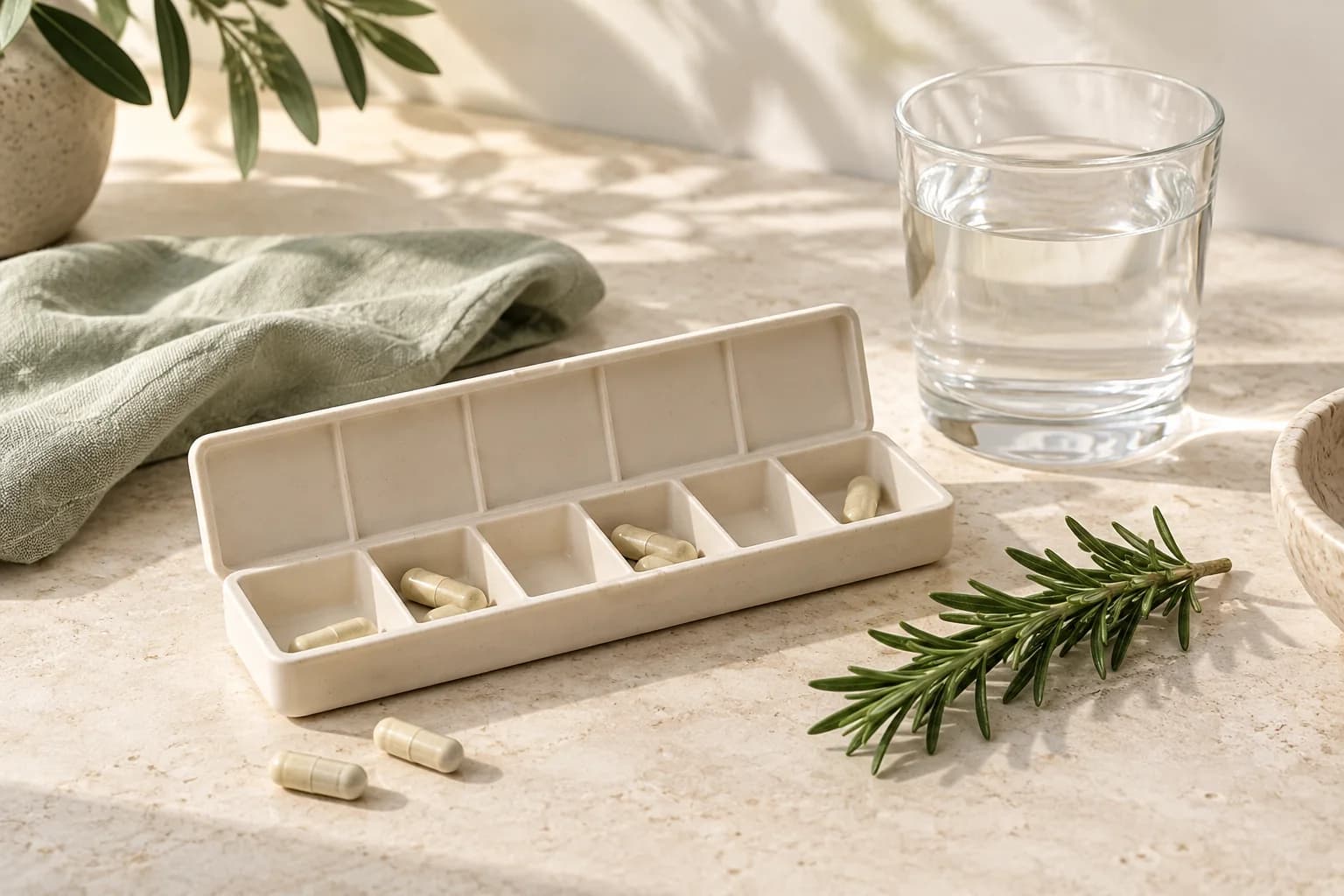
Smart vitamin plan
A 90-day supplement schedule with time-of-day dosing and interaction warnings.
AI food camera
Point the camera at a meal for a nutrient breakdown and advice matched to your labs.
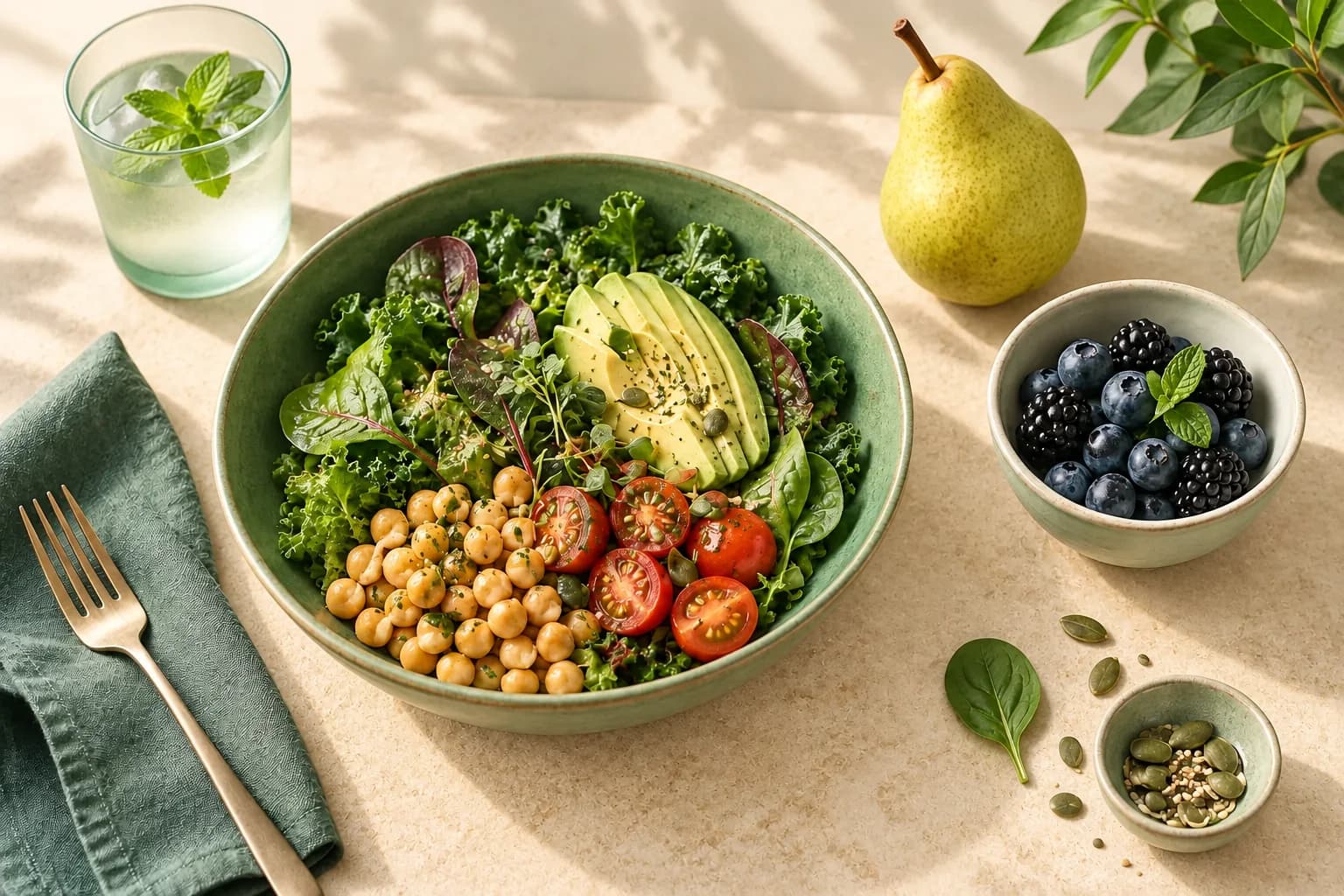
Deficiency recipes
Recipes matched to your markers — smoothies, salads, and meals.
GI protocol
A 14-day gut-prep protocol for Premium, designed to support nutrient absorption.
Doctor reports
PDF reports with labs and your plan, ready to share with a clinician.
Water tracking
Log daily water against your own target and see the day fill up.
Daily and weekly check-ins
Record energy, sleep, and mood so the plan can follow how you feel.

Vita chat
Ask the assistant about your labs, plan, and meals in plain language.
Family profiles
Keep a separate plan and history for each person in the household.
Nutrition encyclopedia
Read nutrients, supplements, and drug interactions grounded in public data.
Insights
See which habits line up with your labs once enough days are logged.
Guest, Free, Standard, Premium
Browse is open. Actions need an account. Limits lift with Premium.

| Capability | Guest Browse only | Free Account + actions | Standard Plans and scans | Premium Paywall off |
|---|---|---|---|---|
| Browse every screen | Included | Included | Included | Included |
| Take actions (save labs, log intake) | — | Included | Included | Included |
| Upload a lab report | — | Included | Included | Included |
| Scan quota, then paywall | Included | Included | Included | — |
| Personalized vitamin plan | — | — | Included | Included |
| Unlimited scans and Premium protocols | — | — | — | Included |
Guests can open Home, Labs, Camera, Plan, Recipes, Insights, and Profile. Signing in is required to perform those actions. When a feature hits its monthly limit, the app shows a Premium paywall — not a dead end on the screen itself.
Simple pricing
Browse as a guest, act on Free, plan on Standard, lift limits on Premium
Guest
- Browse every screen without an account
- Barcode demo in the browser
- Actions locked until you sign up
- Scan quota, then Premium paywall
Free
- 1 lab report upload
- Basic vitamin insights
- Nutrition encyclopedia access
- Personal health dashboard
Standard
- Unlimited lab report uploads
- AI food and barcode scanning (monthly quota)
- Personalized vitamin plan
- Personalized recipes
- Progress tracking and reminders
- AI nutrition chat
Premium
- Everything in Standard
- Unlimited AI food scanning
- GI protocol program
- Course dynamics and trends
- Priority AI insights
- Early access to new features
7-day free trial on Standard and Premium. Guest browse stays free.
Frequently asked questions
Guest browse, accounts, and what happens at the limit
Can I use Vitamin without creating an account?+
Yes. Guest mode lets you browse every screen in the app and try a limited barcode scan in the browser. You only need an account when you take an action — upload a lab, save a plan, or log intake.
What is the difference between browse and action?+
Browse means opening Home, Labs, Camera, Plan, Recipes, Insights, and Profile to see how the product works. Action means writing data: uploading labs, confirming a scan, starting a protocol, or chatting with Vita.
What happens when I hit a limit?+
The screen stays available. The next action shows a Premium paywall. Standard includes monthly scan quotas; Premium removes those caps and unlocks GI protocol and doctor reports.
Is this medical advice?+
No. Vitamin is an informational tool. Plans are educational. Always consult a qualified clinician before starting supplements.
Which languages are supported?+
English, Turkish, Russian, German, French, Spanish, Portuguese, and Japanese.
How do I try it in the browser?+
Use the guest scan widget on this page: point your camera at a barcode or type one in. Full personalization stays in the iOS and Android apps.
Science and evidence
Recommendations are grounded in your labs, published nutrient ranges, and safety checks
Marker classification
Lab values are mapped to shared biomarker ranges (including sex-specific thresholds) and scored from 0–100 so the same logic drives the app, reports, and plans.
Retrieved evidence
Plan generation can pull context from nutrient and supplement knowledge (ODS, USDA, DSLD) plus known drug–nutrient interactions.
Dose safety
Suggested doses are checked against internal limits. Combinations such as warfarin × vitamin K or levothyroxine × calcium/iron are blocked.
What our users say
People using Vitamin to understand labs and stick to a plan

“I browsed as a guest first, then uploaded my blood test. The plan helped me work on a vitamin D gap over three months.”
Anna K.
London, UK
“Uploading labs was straightforward. Within a week I had a schedule I could actually follow.”
Mikhail S.
Moscow, RU
“Guest browse made the app easy to judge. After I signed up, tracking intake became part of the day.”
Ayse T.
Istanbul, TR
Download the app
Browse as a guest on day one. Create an account when you want to act. Upgrade at the limit.